






HuoNiu Credits System - Points System is a powerful virtual currency plugin for XenForo 2.x that provides a complete points economy system for your forum. It supports features such as multi-currency management, user-to-user transfers, file renewals, red envelopes, bounty questions, paid content viewing, resource paid downloads, and online recharges.
It helps forum administrators easily build a vibrant community economy ecosystem. International language pack support is provided! (An English language pack will be available in the future and will be included in the plugin.) You can experience the plugin's features on this site!
Features:
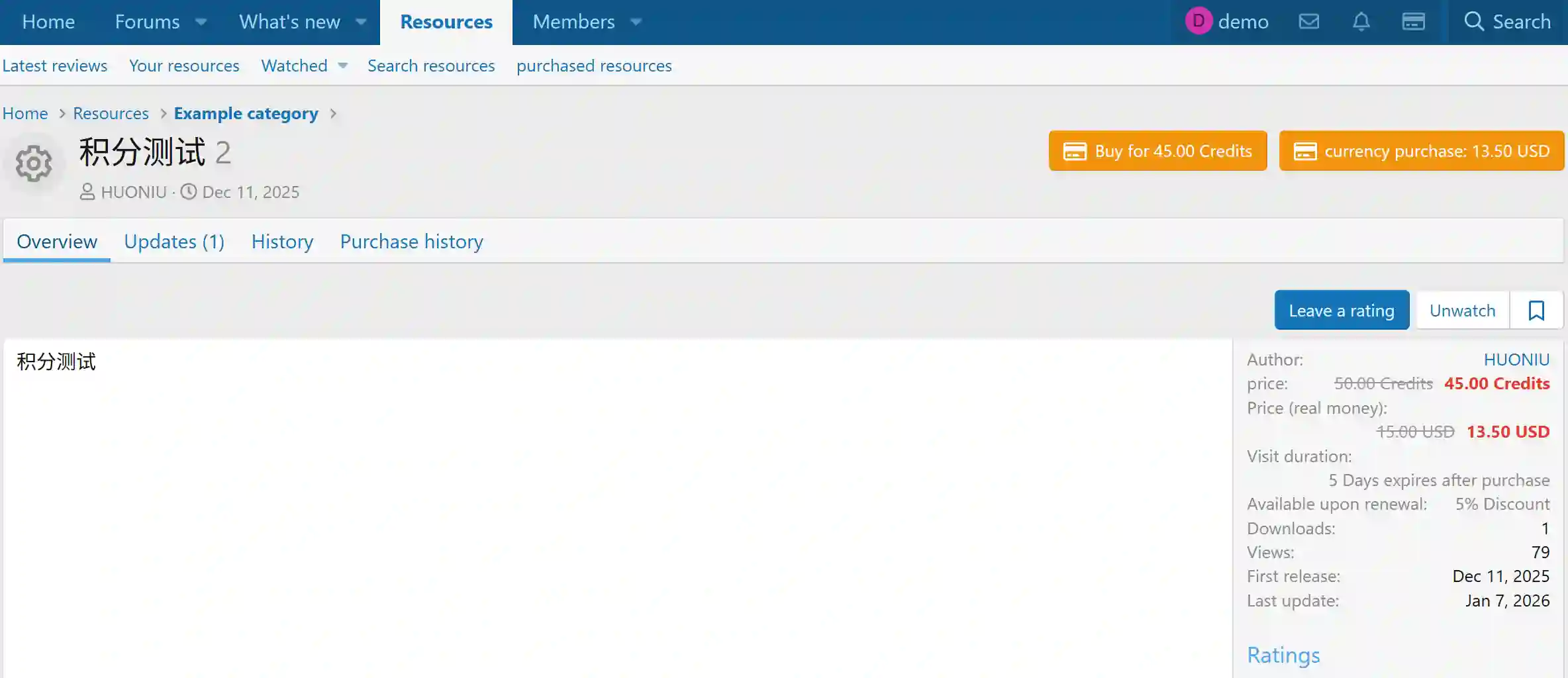
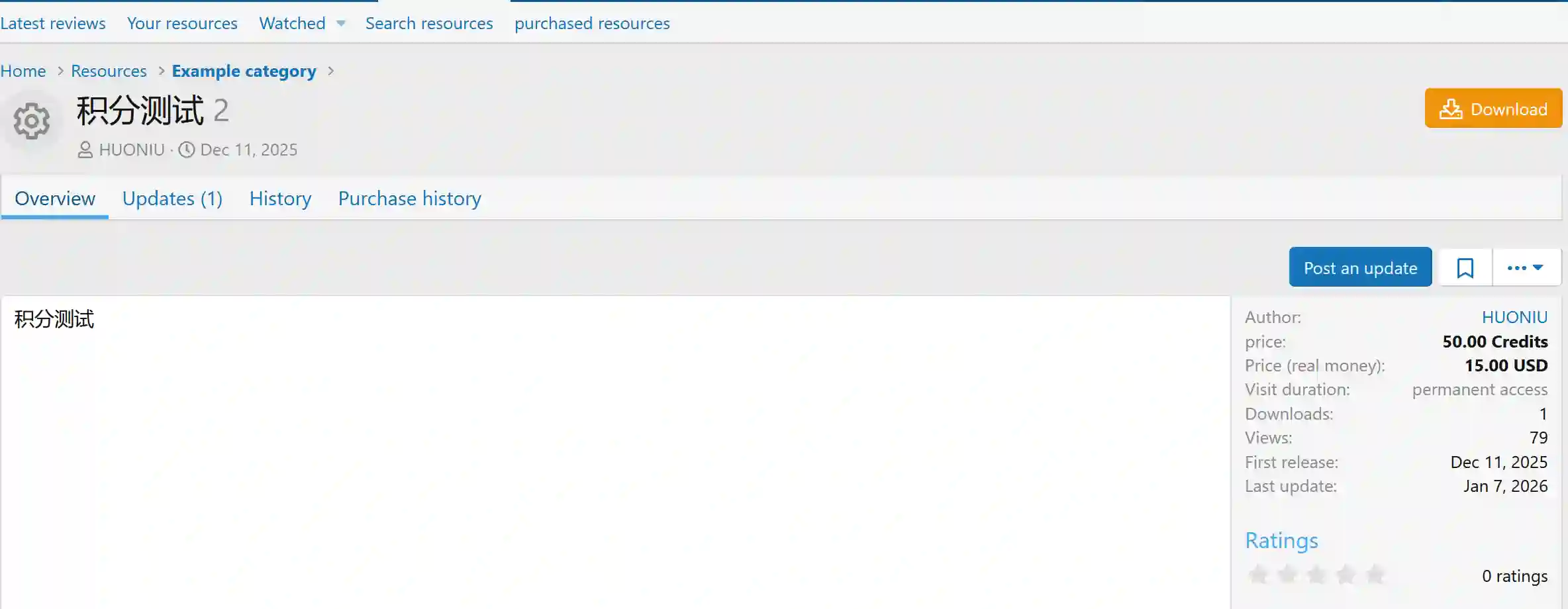
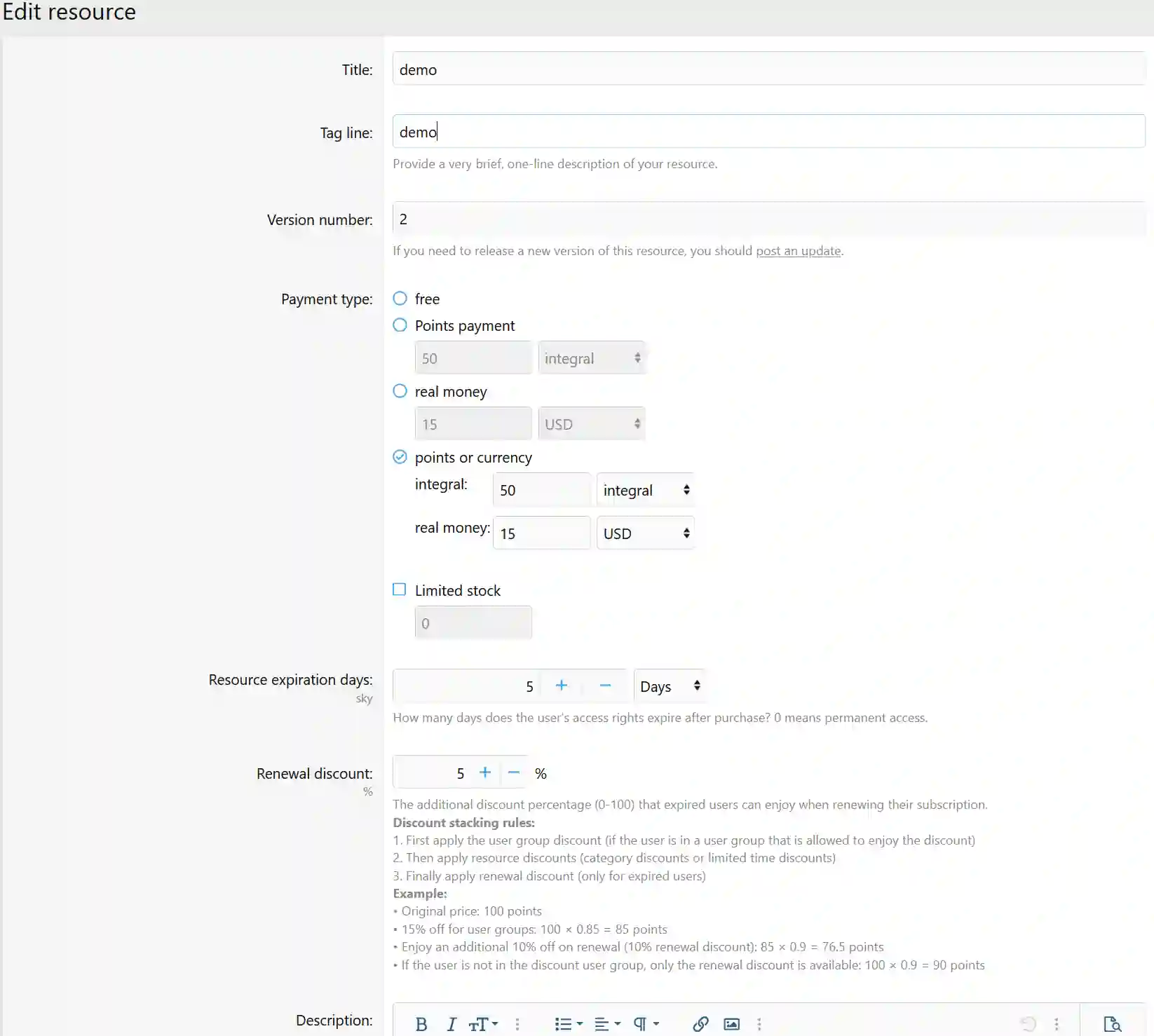
Four states can be set for the same file in the Resource Manager:
Free download file
Points sales file
Real currency sales file (Currency unit can be set, supporting international payment purchases)
Points and real currency sales for the same file (Users can use any payment method to purchase the file and gain download access, offering flexibility for users)
File page displays license expiration date.
Supports resource renewals.
Renewal discounts are displayed.
Premium accounts can enjoy greater discounts with flexible discount policies.
Administrators can add user licenses to individual files and set download license durations.
Administrators can revoke user download licenses at any time.
Users can view their purchase activation information and expiration duration on the file details page.
Upgrade account guidance is added to the file list.
The file list shows discounted prices in points and real currency.
Currency exchange rate and fees are added when purchasing points.
File sales support transaction fees.
Supports using PayPal and other foreign payment methods to purchase points and files.
Expired resources can allow downloading of older versions (options include permanent download of old versions, grace period download of old versions, or forbidding download of old versions).
File detail sidebar displays resource license status.
License status dynamically calculated and displayed based on purchase and expiration dates.
Withdrawal function added (including: commissions, fees, and other configurable options in the backend).
Dynamic calculation of withdrawal amounts.
User group permissions can be set for the withdrawal feature.
Migration Tool:
Data Migration from the original [BR] MJ/Credits Plugin:
User Points
User File Purchase Records (preserves original download permissions and expiration times)
Prices of files sold using points, etc.
💰 Core System
✓ Multi-currency system
✓ User transfers
✓ Currency exchange
✓ Bulk adjustment of points
✓ Transaction record queries
✓ Transaction fees and taxes
✓ Currency exchange rate management
✓ Transaction review mode
✓ Daily limit control
🎁 Social Features
✓ Private red envelope system
✓ Post tipping feature
✓ Tipping records retained
✓ Automatic expiration of red envelopes
✓ Tipping leaderboard
✓ Daily sign-in rewards
✓ Bounty Q&A system
✓ Points leaderboard
✓ Real-time notifications
💵 Content Monetization
✓ Paid content (BBCode)
✓ Attachment download fees
✓ Independent pricing for attachments
✓ Resource points sales
✓ Resource real currency sales
✓ Resource expiration renewals
✓ Renewal discount offers
✓ Online recharge points
📦 Resource Management
✓ Bulk price settings
✓ Batch pricing by category
✓ Payment type selection
✓ Automatic currency conversion
✓ Purchase limit
✓ Sales statistics reports
✓ Resource sales commission
✓ Expiration reminder notifications
⚡ 60+ Automatic Events
✓ Registration and login rewards
✓ Post and reply rewards
✓ Like and follow rewards
✓ Poll and session rewards
✓ Personal homepage interaction
✓ Resource purchase and sales
✓ Custom forum events
✓ Independent forum rules
✓ User group permission control
What's New in Version 2.3.9
Released
🆕 New Features
Resource Rejection with Feedback
Admins can now choose “Reject & Send Feedback” in the approval queue to send a private message to the resource author explaining the rejection reason and suggested revisions.
Resource Version Rejection with Feedback
Same functionality applies to new resource versions — admins can reject updates and provide detailed feedback.
Optional Delete on Rejection
When rejecting a resource, admins can optionally choose to soft delete it. If unchecked, the resource remains available for the author to revise and resubmit.
Optional Private Message Notification
When rejecting, admins can choose whether to send a private message containing the rejection reason and revision suggestions.
Standalone Rejection Page
A dedicated rejection form is now available on the resource detail page (outside of the approval queue workflow).
Purchase List Permission Control
Introduced a new canViewPurchaseList() permission check. Only the resource author, administrators, and moderators can view purchase records.
Dynamic Rejection Fields in Approval Queue
When selecting the “Reject” radio option, the reason and suggestion input fields automatically expand. Selecting other actions will hide these fields dynamically.
🛠 Fixes
Expired Purchases Not Visible
Removed the isActive() filter. All purchase records are now displayed, with is_active and is_expired status indicators.
Approval Queue Entry Not Removed After Non-Deletion Rejection
Previously, rejecting a resource without deleting it kept resource_state as 'moderated', which did not trigger entity state change hooks, causing the approval queue entry to persist indefinitely.
Fixed by explicitly removing the corresponding ApprovalQueue entry.
please support the developers. If you have any other questions
please leave a comment and let us know!
Recommended Comments
Join the conversation
You can post now and register later. If you have an account, sign in now to post with your account.