






Skip to content
View in the app

A better way to browse. Learn more.

OKSTAR

A full-screen app on your home screen with push notifications, badges and more.

To install this app on iOS and iPadOS
  1. Tap the Share icon in Safari
  2. Scroll the menu and tap Add to Home Screen.
  3. Tap Add in the top-right corner.
To install this app on Android
  1. Tap the 3-dot menu (⋮) in the top-right corner of the browser.
  2. Tap Add to Home screen or Install app.
  3. Confirm by tapping Install.

XenForo - HuoNiu Credits System 2.7.2

35.00 USD · Renewal Term: 33.00 USD/year

(0 reviews)

4 Screenshots

HuoNiu Credits System is a feature-rich virtual currency add-on for XenForo 2.x, providing your forum with a complete credits economy. It supports multi-currency management, user-to-user transfers, resource renewals, red envelopes, bounty & Q&A rewards, paid content unlocking, resource paid downloads, and online top-up. Helping administrators effortlessly build a thriving community economy. This plugin includes an English language pack! Experience the plugin live on this site!

HuoNiu Credits System — Complete Feature List

1. Resource Sales Modes

  • Free resource download

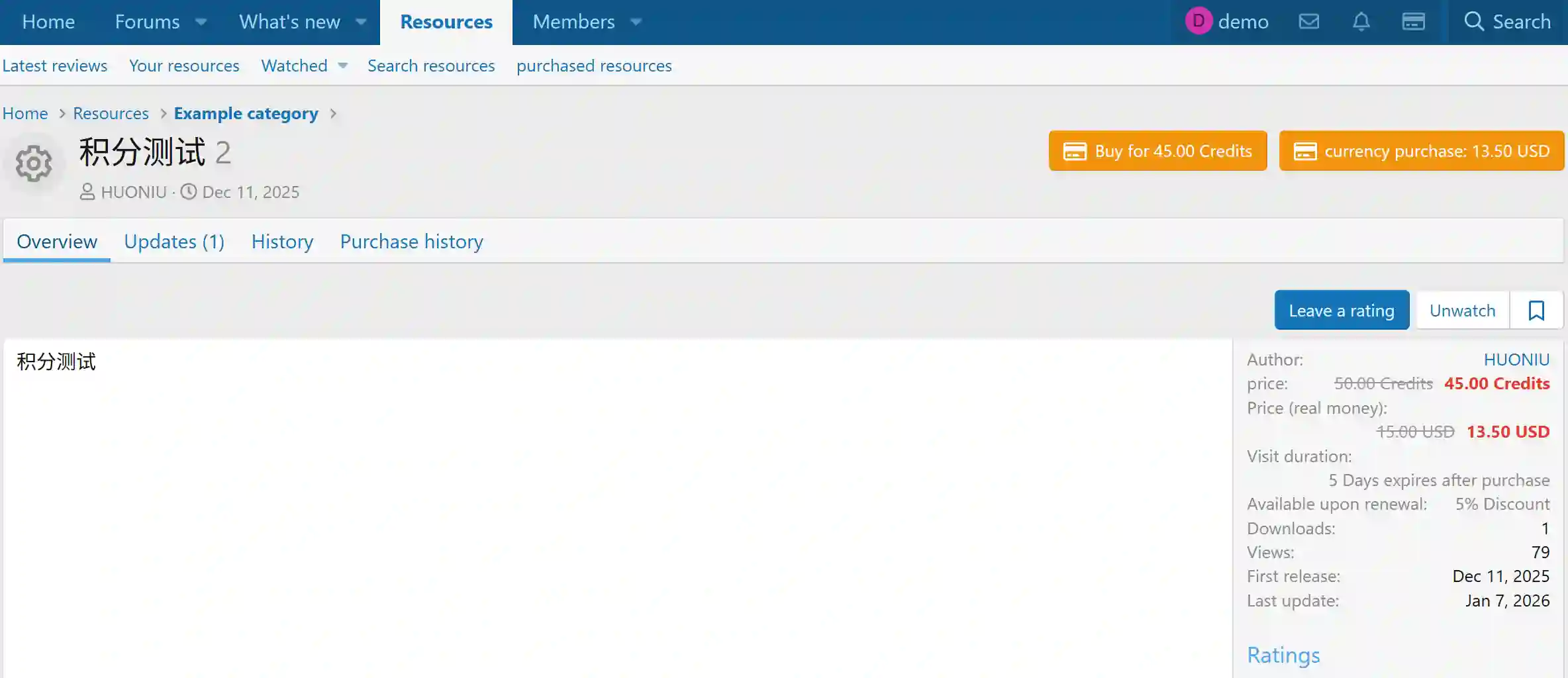
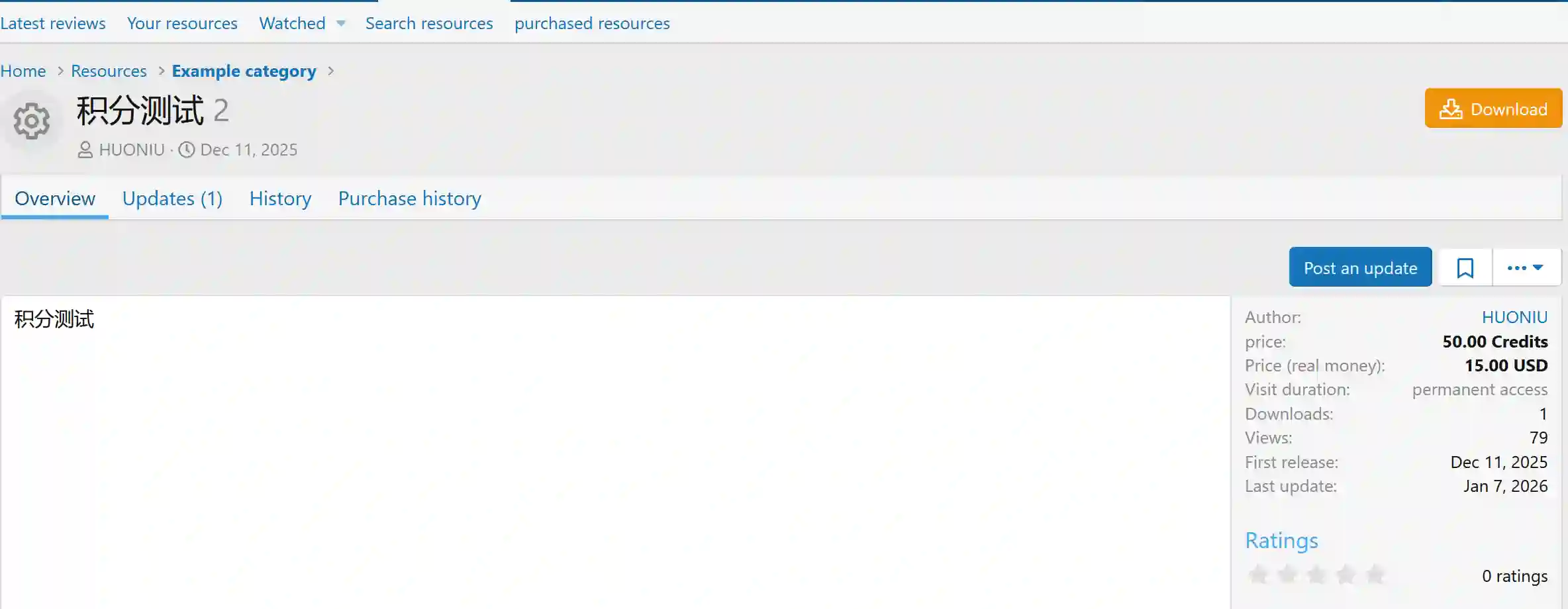
  • Credits-based sales (configurable price per resource)

  • Real money sales (multi-currency, international payment)

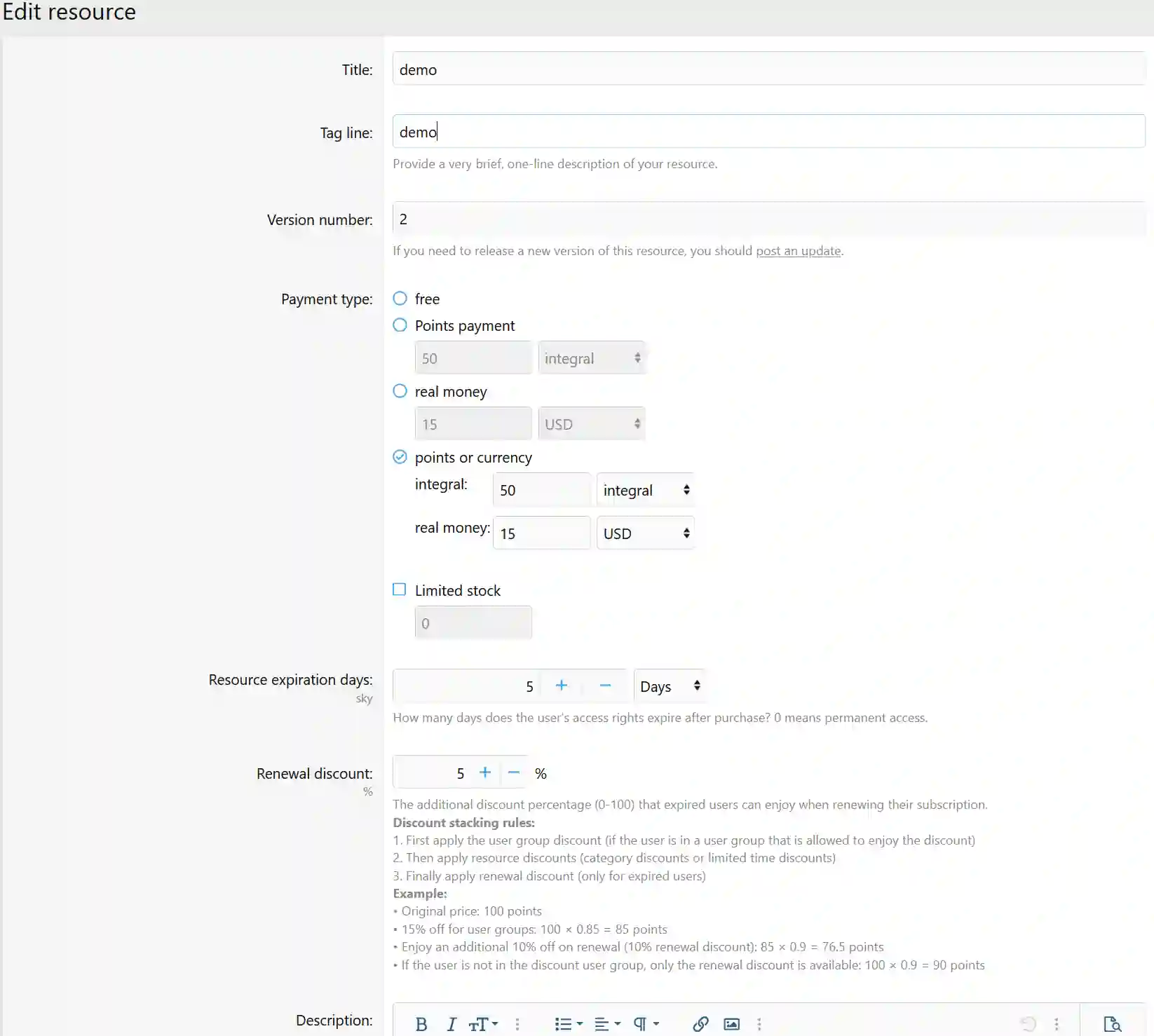
  • Dual-mode sales: credits + real money (user chooses either method)

  • Inventory control (set sales limit, auto-disable when sold out)

  • Transaction fee for resource sales (configurable in ACP)

  • Per-currency pricing (e.g. USD 9.99 / CNY 69.00 per resource)

  • Resource list shows discounted credits & money prices

  • Upgrade account CTA in resource list

2. License & Expiry Management

  • License expiry date displayed on resource page

  • Resource renewal support

  • Renewal discount display

  • User-group-based stacked discounts for premium accounts

  • Admin can manually grant license to a user with custom duration

  • Admin can revoke user license at any time

  • Post-revocation re-purchase ban (configurable ban days)

  • Users can view their purchase activation info & remaining time on resource page

  • Sidebar license status widget with dynamic calculation

  • Post-expiry old version download policy: permanent / grace period / deny

  • Multi-level expiry alerts: 30d / 7d / 1d / expired (separate for credits & money purchases)

3. Credits Top-up & Payment

  • Exchange rate & processing fee for buying credits (configurable in ACP)

  • Tiered pricing for credits top-up (bulk discounts)

  • PayPal and other international payment gateways supported

  • Real-time top-up preview (amount received, fee, exchange rate)

  • Flood control with min/max amount limits for transfers & exchanges

4. Withdrawal

  • Users can withdraw credits as real money

  • Withdrawal fee & commission configurable in ACP

  • Dynamic withdrawal amount calculation (real-time net amount display)

  • Withdrawal eligibility controlled by user group permissions

  • Real-time alert on withdrawal status change

5. Credits Event System

  • Credits reward for creating threads and replies

  • Author receives credits when their thread gets a reply

  • Credits deducted on post delete / soft-delete

  • Credits deducted on thread delete / soft-delete

  • Credits for viewing threads / author earns credits per view

  • Like given, like removed, like received (three independent events)

  • Credits for following / being followed

  • One-time registration bonus

  • Daily login reward

  • Birthday bonus (annual, auto-triggered via cron)

  • Trophy-based credits reward (XF Trophy integration)

  • Avatar upload bonus (one-time)

  • Attachment-type credits (configurable per extension: rar, zip, pdf, etc.)

  • Minimum credits required to post a reply

  • Admin manual credit adjustment (positive/negative, with notes)

  • Fine / deduction by authorized users (with dedicated alert)

6. Daily Check-in

  • Daily check-in credits reward

  • Consecutive day streak multiplier (up to 2x)

  • Check-in widget (today's status, streak, monthly summary)

7. Red Envelope (Lucky Money)

  • Attach a credits red envelope when creating a thread

  • Random or equal-split distribution modes

  • Multi-user claim, first come first served

  • Unclaimed envelopes auto-refunded on expiry (via cron)

8. Bounty / Reward

  • Set a bounty by pre-deducting credits when posting

  • OP selects best answer to release bounty

  • Auto-refund if no best answer selected before expiry

  • Dedicated alert notifications

9. In-Post Paid Content (BBCode Charge)

  • [charge=amount] tag hides content until purchased

  • Instant unlock after payment, author credited automatically

  • Configurable transaction fee

  • Admin / specified user groups can bypass payment

  • Paid content auto-stripped in quotes (prevents bypass)

10. Currency Exchange

  • Users can exchange one currency for another

  • Exchange calculated by ACP-configured rates

  • Both sides of the exchange logged in transaction history

11. Credit Transfer

  • Transfer credits to another user

  • Transfer message with spam word filtering

  • Flood control on transfers

  • Min/max transfer amount limits

12. User Group Upgrades (Paid Membership)

  • Purchase user group upgrades with credits

  • Purchase upgrades with real money (multi-currency)

  • Independent pricing per currency

  • Upgrade page shows balance per currency and purchase eligibility

13. Multi-Currency System

  • Unlimited virtual currencies

  • Per-currency prefix, suffix, decimal places, exchange rate, display order

  • Max balance cap per currency

  • User-group-based currency access control

  • Safe deletion guard (blocked if balance exists or withdrawals pending; system currencies locked)

  • Auto currency switch based on XF language (language→currency map, configurable in ACP)

  • Users can manually override displayed currency via cookie

14. XFRM Extra Integration

  • Contributor gate (require N published resources before downloading free resources)

  • Rejection feedback via private message (auto-PM with reason & suggestions)

  • Enhanced paid/free resource filtering in lists

  • Bulk resource pricing tool (by category: price, type, expiry days)

15. Widgets

  • Balance widget (compact/full mode, selectable currencies)

  • Richest users leaderboard widget (per currency)

  • Daily check-in widget

16. User Front-End

  • Personal credits overview (per-currency balance + recent transactions)

  • Transaction history filtering (by currency, event type, date range)

  • Personal transaction history CSV export

  • Personal stats (total earned / spent / current balance per currency)

  • Purchase history (activation status, expiry date)

17. Admin Tools

  • Credits dashboard (circulation, trend chart, top 10 holders)

  • Event monitoring dashboard (trigger count, success rate, slow/failed events)

  • Performance monitoring dashboard (slow operation tracking, configurable threshold)

  • Purchase diagnostic tool (check purchase records, balance, event config, error log by user + resource ID)

  • Bulk reset credits for all users (batched background job)

  • Real money transaction list + CSV export (resource purchases & top-ups)

  • Manual statistics cache rebuild

  • Member credits leaderboard (normalized by exchange rate, XF stats integration)

18. Data Migration

  • MJ-Credits migration wizard (5 steps: detect → preview → execute → verify → cleanup)

  • DBTech Credits import (currency ID mapping)

  • XenForo 1 custom field import

  • Custom data source import

19. Audit Log & Compliance

  • Full audit log for all operations: transfers, bulk adjustments, purchases, manual changes, currency add/delete, event triggers, migrations — all with IP, duration & result

20. Alert System

  • Alert on credits event change

  • Purchase success alert

  • Multi-level expiry alerts (30d / 7d / 1d / expired)

  • Withdrawal status change alert

  • Dedicated alert templates for red envelopes, transfers, bounties

21. Scheduled Tasks (Cron)

  • Birthday credits reward auto-trigger

  • Red envelope expiry auto-refund

  • Bounty expiry auto-refund

  • Daily credits statistics auto-record

  • Bulk cleanup of expired time-limited discounts

  • Auto-send multi-level purchase expiry alerts

22. Group Buy System

  • Resource authors can initiate group buy campaigns.

  • Set target participants, price per person, event deadline, and maximum number of participants.

  • Group buy progress block embedded in the resource page.

  • Real-time display of current participants, progress percentage, price per person, and countdown to the deadline.

  • Each group buy campaign can set independent prices in different currencies (e.g., CNY 35.00 / USD 5.00).

  • Automatically display corresponding prices and payment channels based on user’s language or currency preference.

  • When the target number of participants is reached, the group buy status automatically changes to "Completed".

  • At the deadline, if the target number of participants is reached, the group buy automatically completes and grants resource access to all paid members.

  • At the deadline, if the number of participants is insufficient, the campaign automatically closes.

  • The admin can configure automatic extension of the event's duration and set a maximum number of extensions if the target participants are not reached by the deadline.

  • Resource categories can enable or disable the group buy feature individually.

  • Group buy can coexist independently with the existing points/cash sale models.

What's New in Version 2.3.8

Released

No changelog available for this version.

User Feedback

Join the conversation

You can post now and register later. If you have an account, sign in now to post with your account.

Guest
  • This will not be shown to other users.

  • Your review Required
    Add a review...

Account

Navigation

Search

Search

Configure browser push notifications

Chrome (Android)
  1. Tap the lock icon next to the address bar.
  2. Tap Permissions → Notifications.
  3. Adjust your preference.
Chrome (Desktop)
  1. Click the padlock icon in the address bar.
  2. Select Site settings.
  3. Find Notifications and adjust your preference.