





Core Features
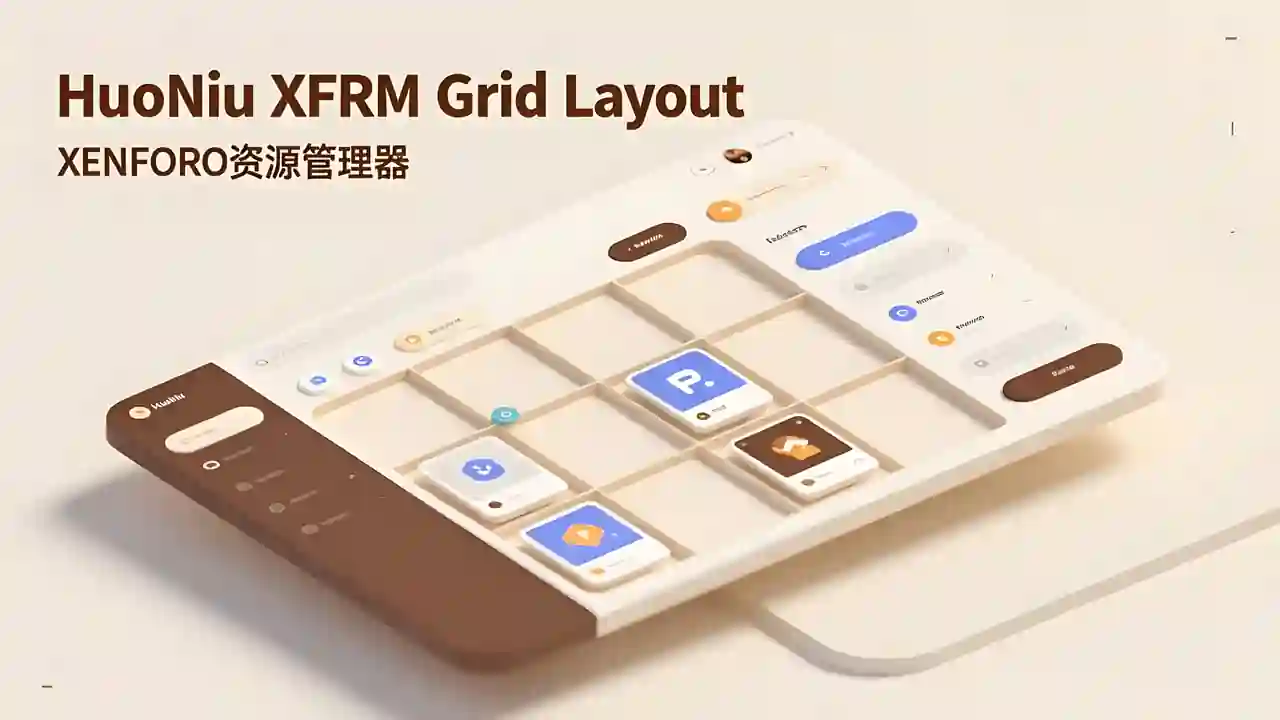
Modern Grid Layout – Transforms traditional lists into visually appealing grid card displays.
HD Cover Display – Displays high-resolution images from resource detail pages, ensuring clear and sharp quality.
Flexible Column Configuration – Supports 1-6 columns with free customization (desktop/tablet/mobile configurations independent).
Responsive Design – Automatically adjusts to different screen sizes, ensuring perfect display.
Hover Animation Effects – Smooth floating + enhanced shadow for an improved interactive experience.
Comprehensive Information Display – Full visibility of title, tagline, author, date, category, rating, and download count.
Elegant Border Separation – Horizontal lines connect full width, vertical lines only appear between items for clear visual hierarchy.
Smart Placeholder – Displays FontAwesome icon when cover image is absent, maintaining aesthetics.
Edge-to-edge Filling – Grid fully fills the area with no unnecessary blank spaces.
One-click Backend Configuration – Easily set all parameters through the admin panel.
Tired of monotonous list layouts? Want a more modern look for your resource pages?
HuoNiu Grid plugin brings a brand new grid card layout to the XenForo Resource Manager, making resource display more beautiful and easy to browse! See the demo on this site!
✨ Key Highlights
📸 HD Cover Display – Say goodbye to blurry 100×100 icons. Display high-res images directly from the resource detail page, showcasing each resource in its best form.
🎯 Flexible Customization – Desktop supports 1-6 columns, with independent configurations for tablet/mobile, perfectly adapting to various screen sizes and usage scenarios.
✨ Dynamic Interaction – Cards elegantly float up with enhanced shadows on hover, offering users a smooth browsing experience.
📊 Complete Information – Each card showcases title, tagline, author, release date, category, rating, download count, and other key info.
🎨 Exquisite Design – 16:9 image ratio, rounded corners, elegant border separation—each detail is carefully crafted.
⚡ Plug and Play – One-click backend configuration with no need for code modifications; instantly effective after installation.
🌐 Perfectly Responsive – Automatically adapts to desktop, tablet, and mobile, ensuring flawless display on any device.
🎁 Applicable Scenarios
Software/Plugin resource sites
Template/Theme showcase platforms
Game MOD download sites
Asset/Resource libraries
Any resource display scenario using XFRM
please support the developers. If you have any other questions
please leave a comment and let us know!
Recommended Comments
Join the conversation
You can post now and register later. If you have an account, sign in now to post with your account.