





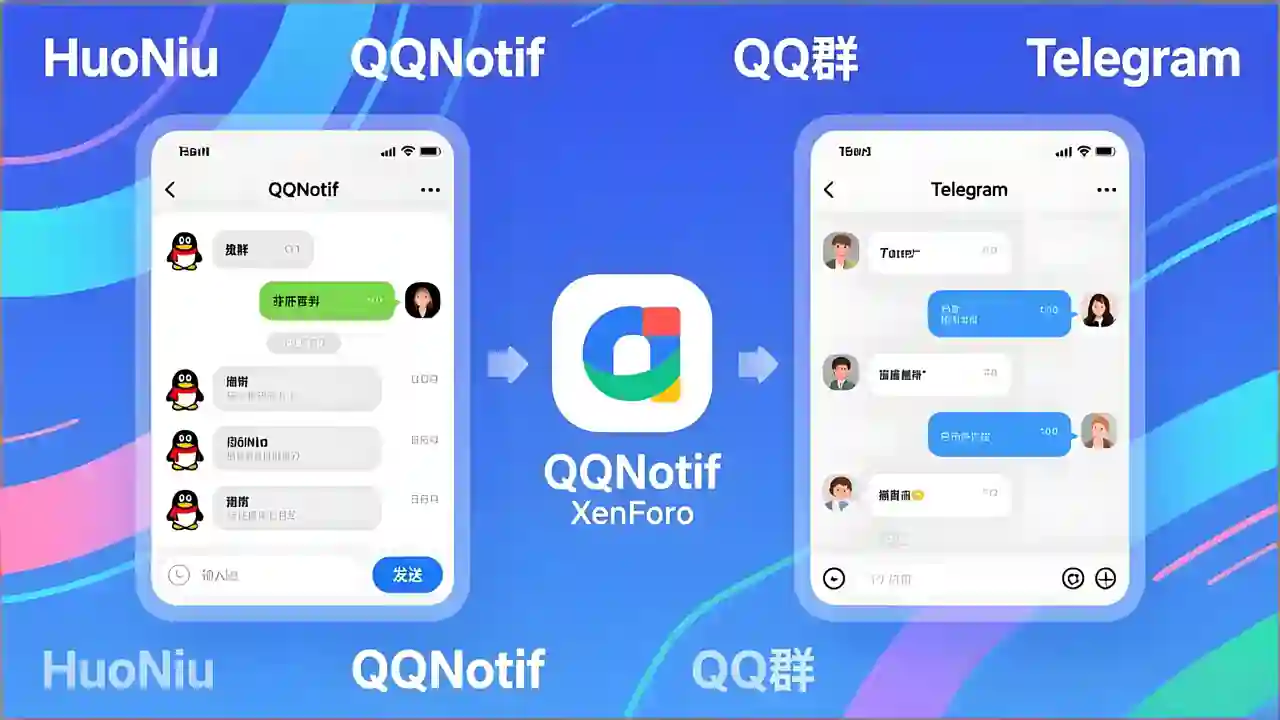
HuoNiu QQNotif is a QQ/TG message notification plugin designed specifically for XenForo 2.3.x, which supports automatic push notifications for site events to QQ/TG groups/users, helping site administrators achieve efficient community message linkage and automated management. The plugin adopts the native XF backend style, supports bulk log management, and is easy to operate, secure, and reliable.
This plugin is based on the NapCat QQ bot to implement the message push feature. Before use, please ensure NapCat is correctly installed and configured on the server. Please refer to the installation guide.
📢 Multi-platform Support
QQ Group Notifications: Based on NapCat (OneBot 11), perfectly adapted for domestic communities
Telegram Notifications: Official Bot API, accessible worldwide without restrictions
Independent Switch: Enable QQ, Telegram, or both platforms for notifications separately
🔔 Comprehensive Message Monitoring
✅ New Topic Publication Notifications
✅ Post Reply Notifications
✅ User Registration Notifications
✅ Resource Publication Notifications (XFRM)
✅ Resource Update Notifications
✅ Section/Resource Category Filtering (Precise Push)
🎨 Flexible Message Customization
📝 Customizable message templates
🏷️ Supports variables: {title} {username} {url} {snippet} {date}, etc.
🎯 Selective monitoring of sections and resource categories
🛡️ Enterprise-grade Security Protection
✅ XSS Protection (All HTML outputs are escaped)
✅ CSRF Protection (Delete operation verification Token)
✅ SQL Injection Protection (Parameterized queries)
✅ Input length limits (Messages up to 4000 characters, snippets up to 200 characters)
✅ Token information masking (Sensitive information hidden in logs)
✅ URL Whitelist validation (Prevents open redirection)
📊 Comprehensive Logging System
📋 Records all notification sending logs
🔍 Tracks sending status (Success/Failure/Error information)
🗑️ Bulk delete and clear logs
⏰ Automatic log cleanup (Configurable retention period)
🧪 Convenient Testing Feature
🎯 Independent test buttons for QQ and Telegram
✅ Real-time configuration verification (Format check)
📝 Detailed error prompts and configuration status display
💡 Technical Highlights
Zero performance loss
Asynchronous notification mechanism
Timeout protection (Connection 5 seconds, Response 3 seconds)
Optional logging system
Plug-and-play
QQ: Deploy NapCat → Fill in the address and group number → Done
Telegram: Create Bot → Get Chat ID → Done
No need for complex configurations like Webhooks, reverse proxies, etc.
Production-ready
Audited against XenForo official security standards
Fixes all known vulnerabilities
Complete error handling and logging
📋 Use Cases
Internal enterprise communities: Simultaneously cover domestic and international teams (QQ + Telegram dual push)
Game communities: Instant notifications for new resources/updates to QQ groups
Open-source projects: Real-time synchronization of forum dynamics to Telegram channels
E-commerce sites: Automatic push notifications for new product launches and member registrations
📦 Technical Specifications
XenForo: 2.3.0+
PHP: 8.0+
Extensions: cURL
Protocols: OneBot 11 (QQ) / Telegram Bot API
What's New in Version 1.2.6
Released
Updates:
Fixed
Post.php- Used the full class name for the service call.Fixed
code_event_listeners.xml- Changed all listener hints to full class names as per the format.
please support the developers. If you have any other questions
please leave a comment and let us know!
Join the conversation
You can post now and register later. If you have an account, sign in now to post with your account.