





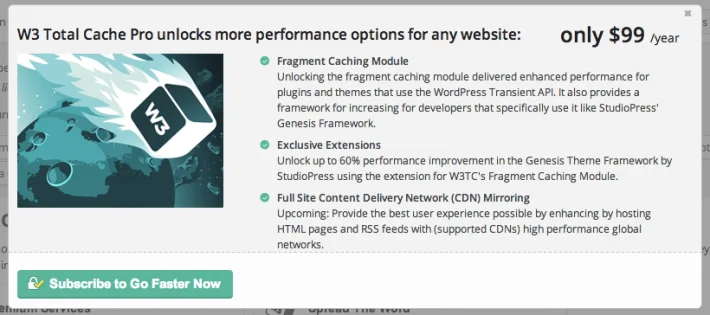
W3 Total Cache Pro builds upon the Community (free) version of W3 Total Cache and adds features that will be interesting to any publisher who’s serious about running a successful website.
W3 Total Cache Pro features
Fragment Caching Social layer, personalization and e-commerce etc are common elements of highly dynamic web sites. That means that caching entire pages to improve user experience and performance is not a solution. Fragment Caching bridges the gap between no caching at all and the “ideal,” full page caching. By extending the WordPress Transient API, W3TC allows developers to bring both horizontal and vertical scale to bear without doing anything differently.
All content here is for research or testing purposes only and is not intended for permanent use. If you like this software
please support the developers. If you have any other questions
please leave a comment and let us know!
please support the developers. If you have any other questions
please leave a comment and let us know!
Join the conversation
You can post now and register later. If you have an account, sign in now to post with your account.