




The Amazing Race S38E11

Event created by Cavalry
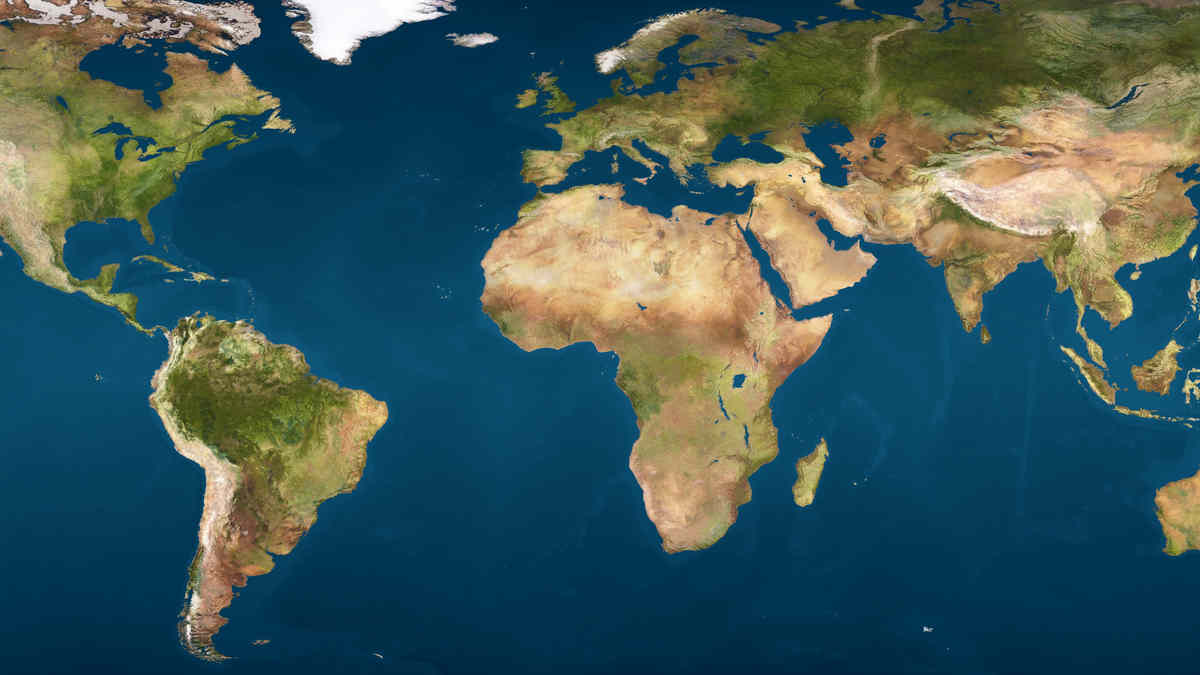
The Amazing Race is an adventure reality show hosted by Phil Keoghan that pits 10, 11, or 12 teams of 2 or 4 people against each other in a race around the world for approximately 40 days. In a leg, they go to destinations where they will complete a roadblock, a task where 1 person completes (Season 1-7) or 2 people (Season 8), a detour, where you have to decide between two tasks that are usually opposite of each other, and a miscellaneous task.
After they complete all these tasks, they will be directed to go to a Pit stop where they will have a 24 hour rest period where they will be able to eat, drink, sleep, and mingle with other teams. The last team to check into the Pit Stop usually is eliminated, but sometimes there is a non-elimination leg in which no one is eliminated. After all teams are eliminated except for 3, these three race to the finish line where the winning team wins 1 million dollars.
剧集信息:
电视台:CBS
本集播出日期:2025-12-04
季:38
集:11
The Amazing Race - 剧集系列指南
| 11 | S38E11 | 2025-12-04 | 已播出 |
| 12 | S38E12 | 2025-12-11 | 已播出 |