
Jump to content
View in the app

A better way to browse. Learn more.

OKSTAR

A full-screen app on your home screen with push notifications, badges and more.

To install this app on iOS and iPadOS
  1. Tap the Share icon in Safari
  2. Scroll the menu and tap Add to Home Screen.
  3. Tap Add in the top-right corner.
To install this app on Android
  1. Tap the 3-dot menu (⋮) in the top-right corner of the browser.
  2. Tap Add to Home screen or Install app.
  3. Confirm by tapping Install.

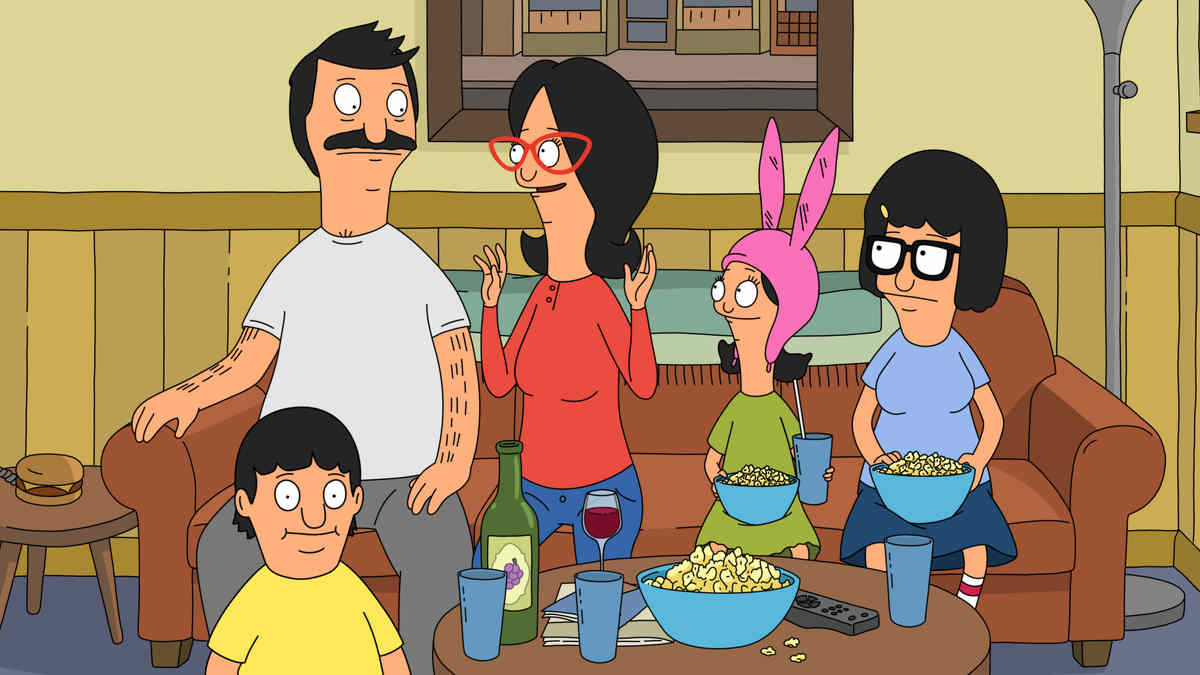
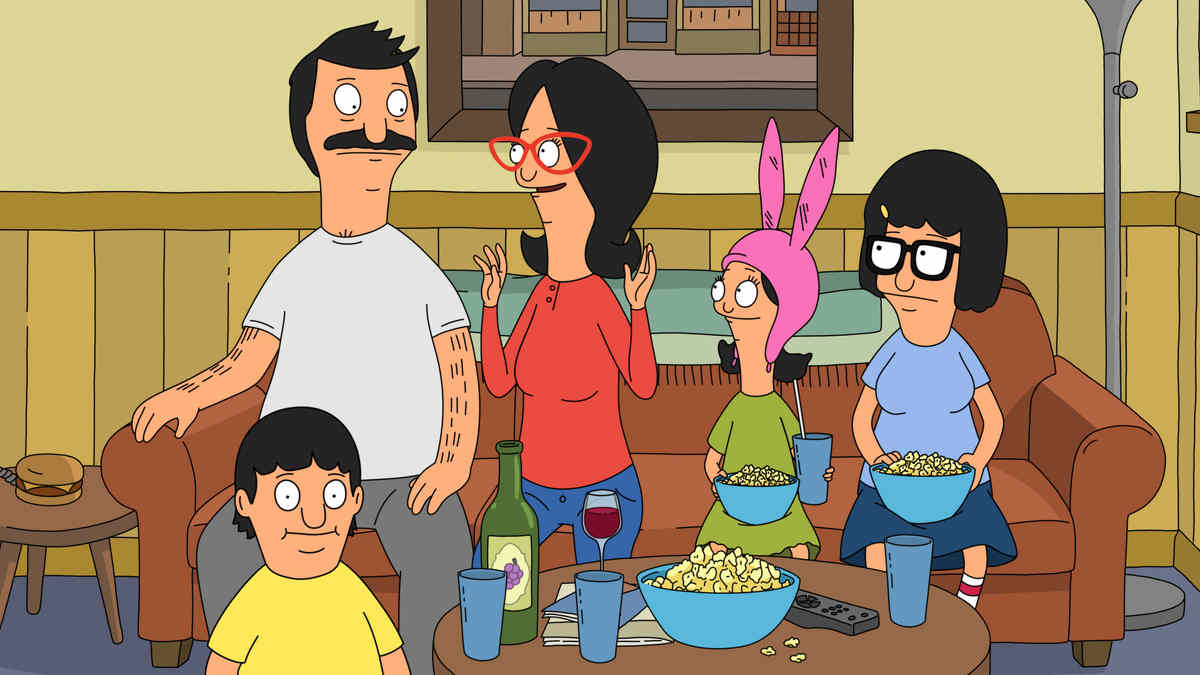
Bobs Burgers S16E08

Bobs Burgers

Bob's Burgers follows a third-generation restaurateur, Bob, as he runs Bob's Burgers with the help of his wife and their three kids. Bob and his quirky family have big ideas about burgers, but fall short on service and sophistication.

Despite the greasy counters, lousy location and a dearth of customers, Bob and his family are determined to make Bob's Burgers "grand re-re-re-opening" a success.

剧集信息:

电视台:FOX

本集播出日期:2025-12-08

季:16

集:8

Bobs Burgers - 剧集系列指南

第 16 季
8S16E082025-12-08已播出
9S16E092025-12-15已播出
10S16E102025-12-29已播出

Recommended Comments

There are no comments to display.

Join the conversation

You can post now and register later. If you have an account, sign in now to post with your account.

Guest
Add a comment...

Account

Navigation

Search

Configure browser push notifications

Chrome (Android)
  1. Tap the lock icon next to the address bar.
  2. Tap Permissions → Notifications.
  3. Adjust your preference.
Chrome (Desktop)
  1. Click the padlock icon in the address bar.
  2. Select Site settings.
  3. Find Notifications and adjust your preference.