




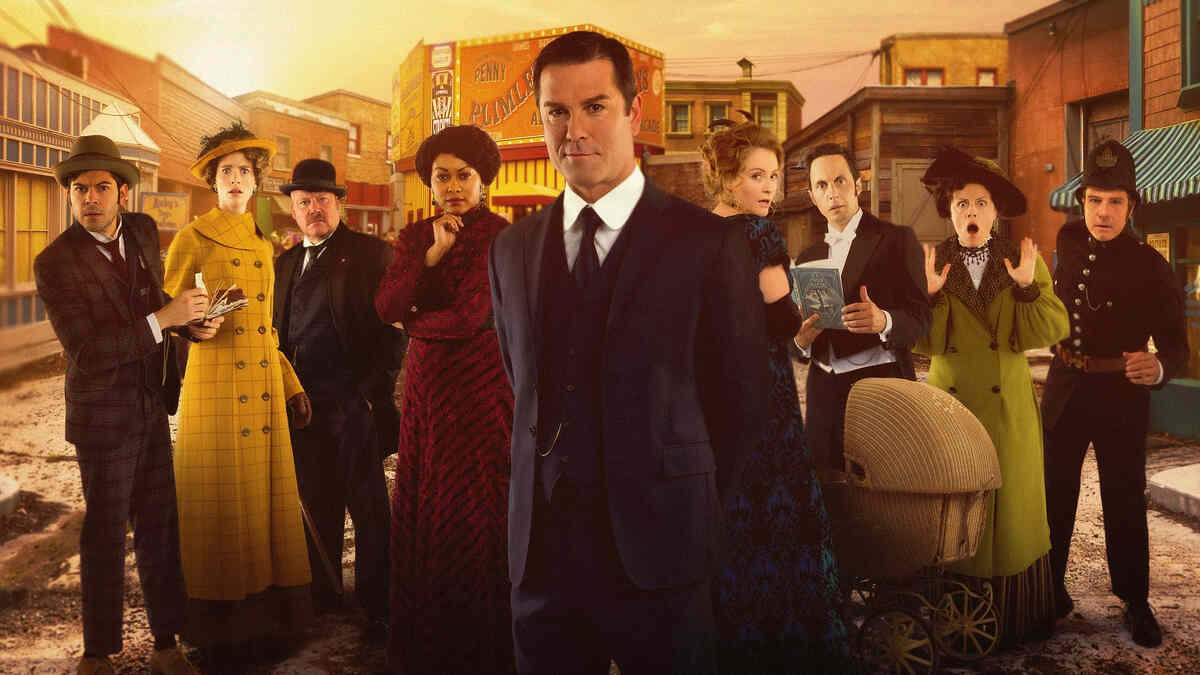
Murdoch Mysteries S19E15

Event created by Cavalry

The series takes place in Toronto in the 1890s and follows Detective William Murdoch of the Toronto Constabulary, who solves many of his cases using methods of detection that were unusual at the time. These methods include fingerprinting, blood testing, surveillance, and trace evidence.
Detective Murdoch is assisted by the three other main characters: Inspector Brackenreid, Doctor Julia Ogden, and the inexperienced but eager Constable George Crabtree, who aspires to be a mystery-novel writer. Brackenreid, Murdoch's immediate superior, is a blunt and sceptical Yorkshireman with a fondness for whiskey, and prefers conventional methods of detection over Murdoch's eccentric methods, though he is typically pleased and proud when Murdoch is successful despite the odds. Crabtree is often unable to grasp the more advanced methods, but his enthusiasm and loyalty make him a good assistant. Like Crabtree, Dr. Ogden is a great supporter of Murdoch's methods. Her skill in pathology usually helps by revealing a great deal of useful evidence to aid Murdoch in solving cases.
Throughout the series Murdoch's growing infatuation with her, and his inability to express his feelings, provide a light subplot. In the fifth season, after Dr. Ogden is married to Dr. Darcy Garland (a colleague she met in Buffalo), a new doctor is introduced, Dr. Emily Grace. She and George Crabtree show some romantic interest in each other.
剧集信息:
电视台:CBC
本集播出日期:2026-02-24
季:19
集:15
Murdoch Mysteries - 剧集系列指南
| 9 | S19E09 | 2025-12-02 | 已播出 |
| 10 | S19E10 | 2026-01-06 | 已播出 |
| 11 | S19E11 | 2026-01-13 | 已播出 |
| 12 | S19E12 | 2026-01-20 | 已播出 |
| 13 | S19E13 | 2026-01-27 | 已播出 |
| 14 | S19E14 | 2026-02-03 | 已播出 |
| 15 | S19E15 | 2026-02-24 | 未播出 |
| 16 | S19E16 | 2026-03-03 | 未播出 |
| 17 | S19E17 | 2026-03-10 | 未播出 |
| 18 | S19E18 | 2026-03-17 | 未播出 |
| 19 | S19E19 | 2026-03-24 | 未播出 |
| 20 | S19E20 | 2026-03-31 | 未播出 |
| 21 | S19E21 | 2026-04-07 | 未播出 |